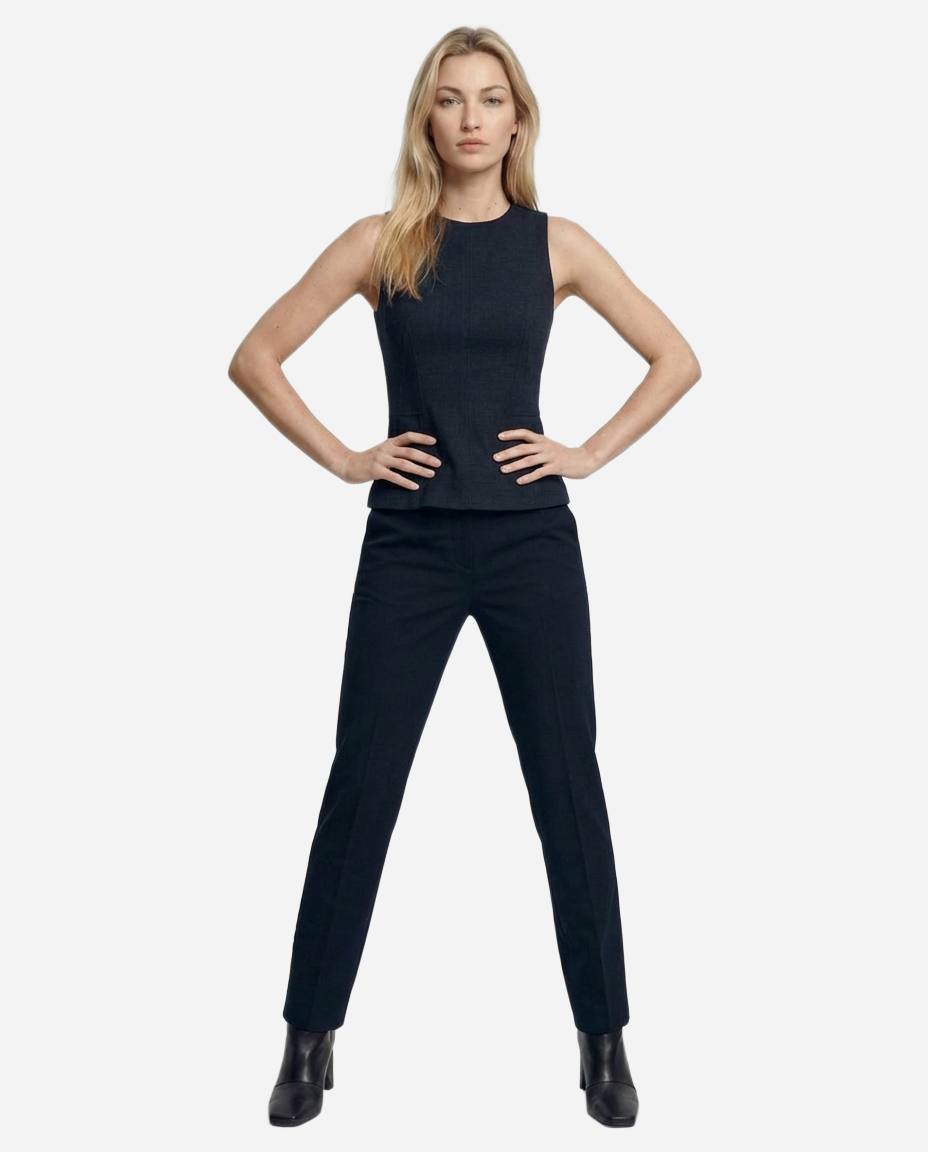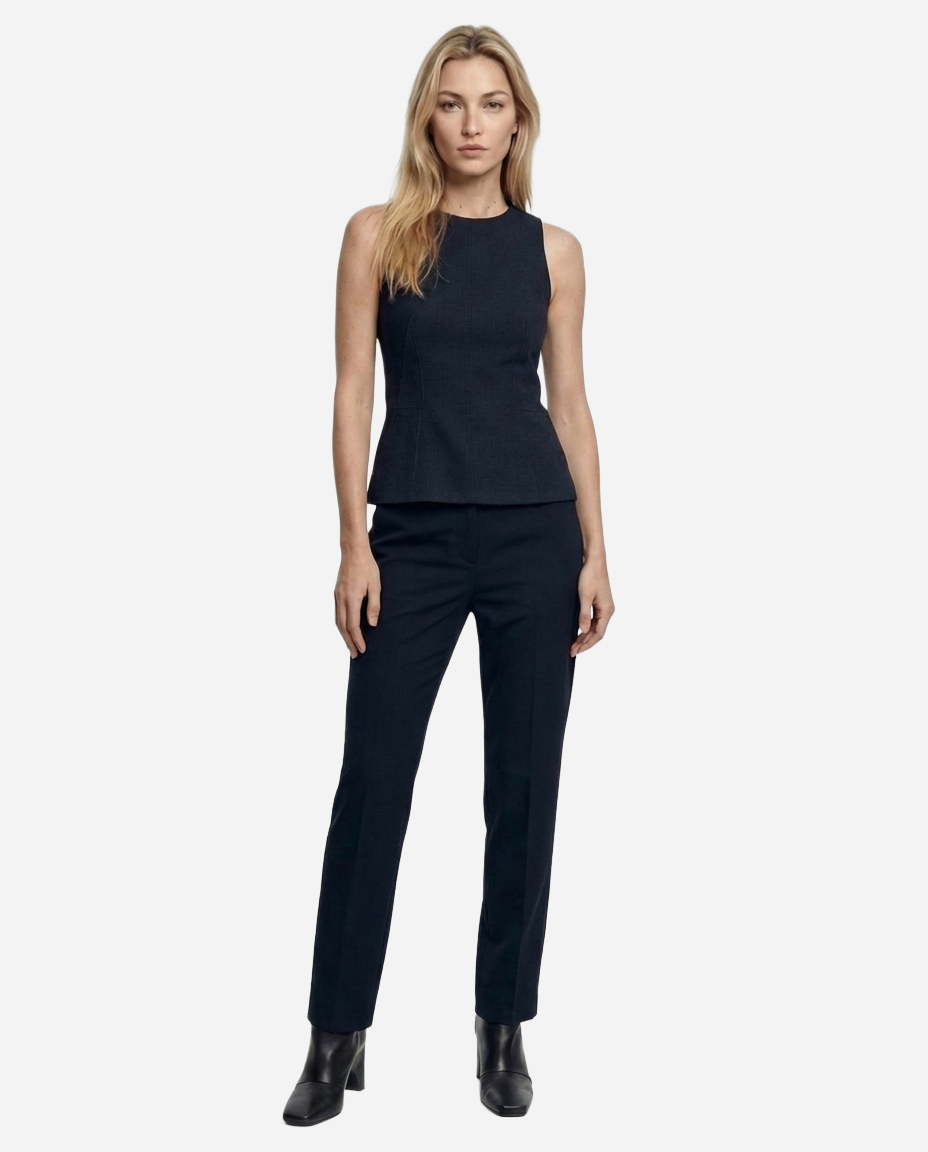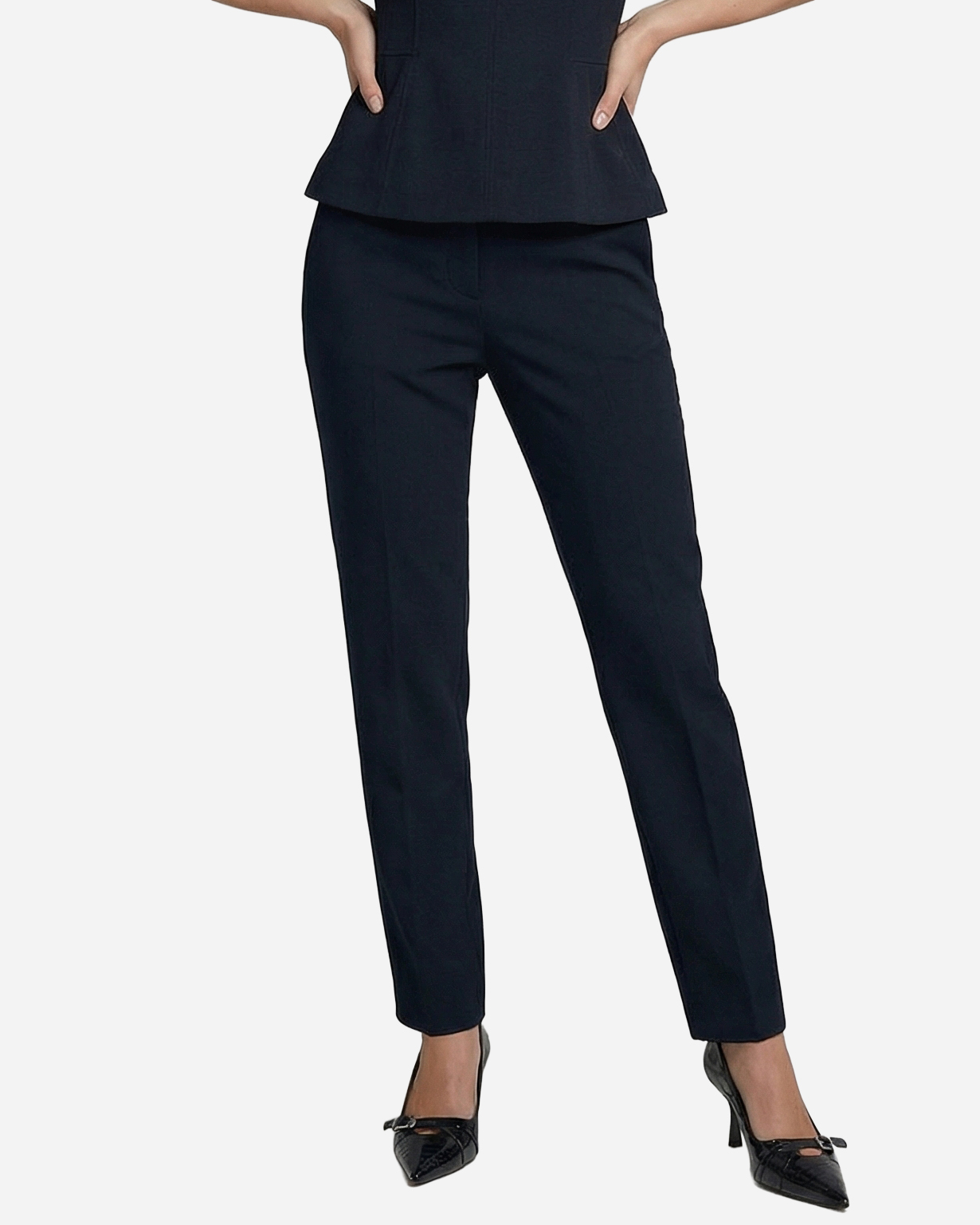
Leg crop · Front · female
Headless Front Straight
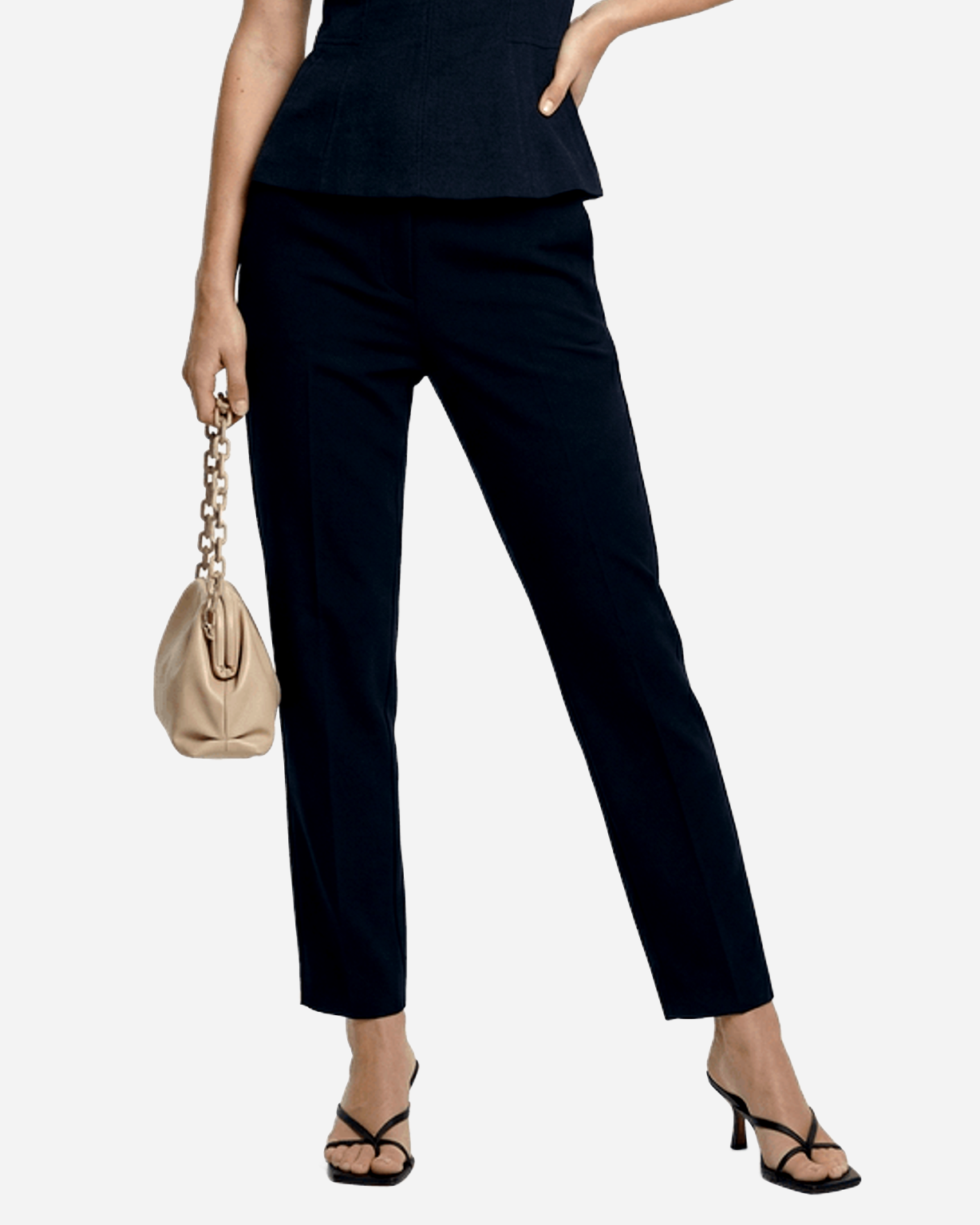
The image is framed so the model's head and upper body extend beyond the top edge of the photograph. The top of the frame starts at approximately lower chest or upper waist level — the model's head, neck, and chest are simply above the image boundary. This is NOT a headless body — the model has a complete normal head and body, the photographer simply framed the shot to start at waist level. Model standing facing camera directly with feet slightly apart.
Framing
Leg crop
Orientation
Front
Model gender
female
Pose id
lc_front_headless_straight
How to use the Headless Front Straight pose
Open Apiway White Studio, upload your garment (front and optional back), select an AI fashion model, and pick the Headless Front Straight pose under the leg crop group. White Studio runs the pose against the chosen model on a true #FFFFFF background, ready for Shopify product detail pages and Amazon main-image compliance.